Sign in and out with your PIN
How staff sign in to the till, and why the till returns to the PIN screen after each order.
Everyone
Every action on the till is recorded against the person signed in, so each staff member has their own PIN.
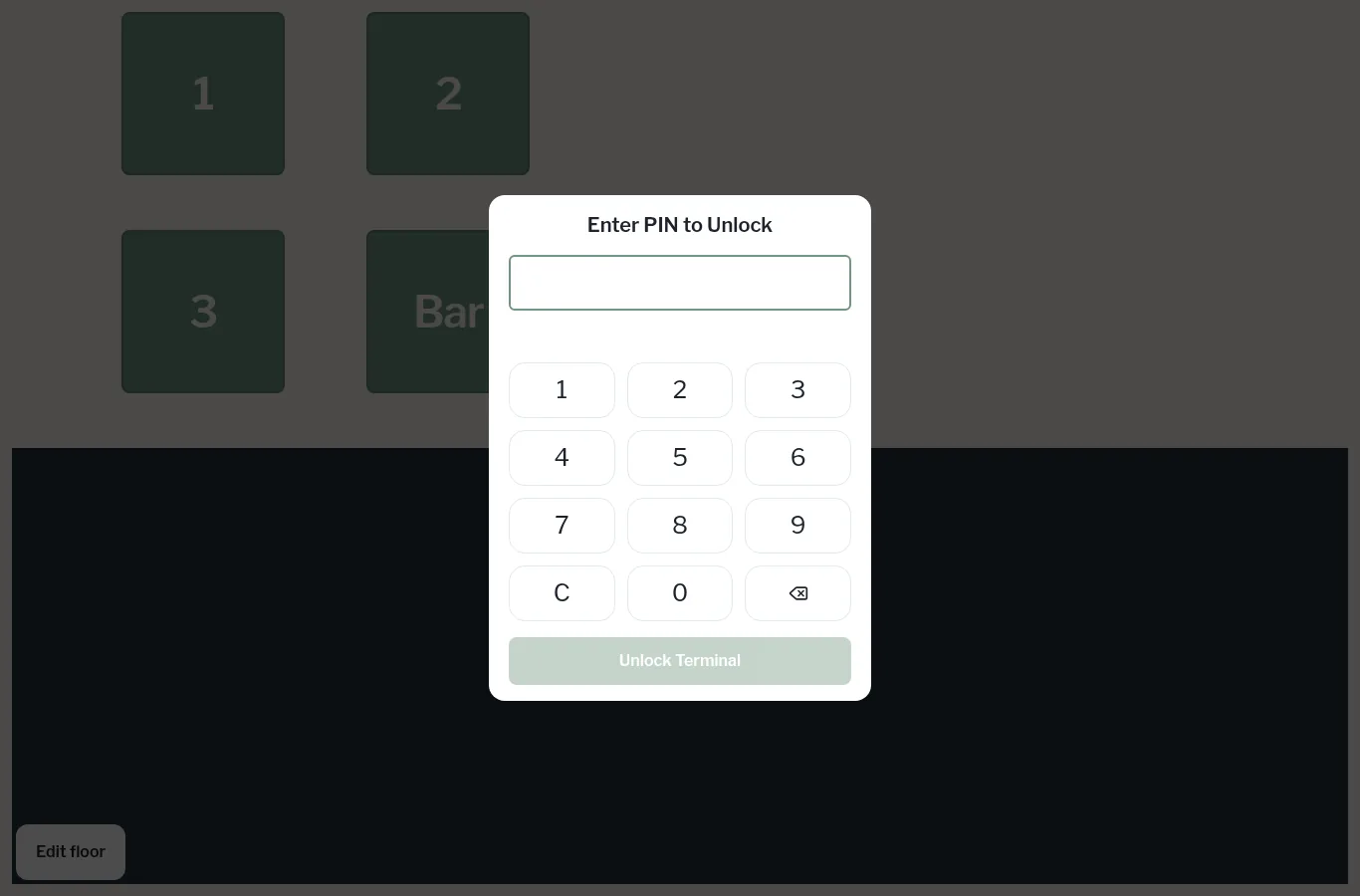
Sign in
- On the PIN screen (Enter PIN to Unlock), key in your PIN.
- Tap Unlock Terminal.
If your venue uses the Name list sign-in instead, the screen says Select your name. Tap your name (use Search staff to find it quickly) and you're in.
Sign out
Tap the Log out icon at the far left of the top bar. The till also returns to the PIN screen by itself after you pay or park an order, so the next person can sign in.
Clocked in first
You need to be clocked in to take sales. If you're not, the till tells you You must be clocked in to process sales. See Clock in and out.