Cash books
Petty cash categories and the accounts used for your bookkeeping.
Owners
Go to Settings › Cash books.
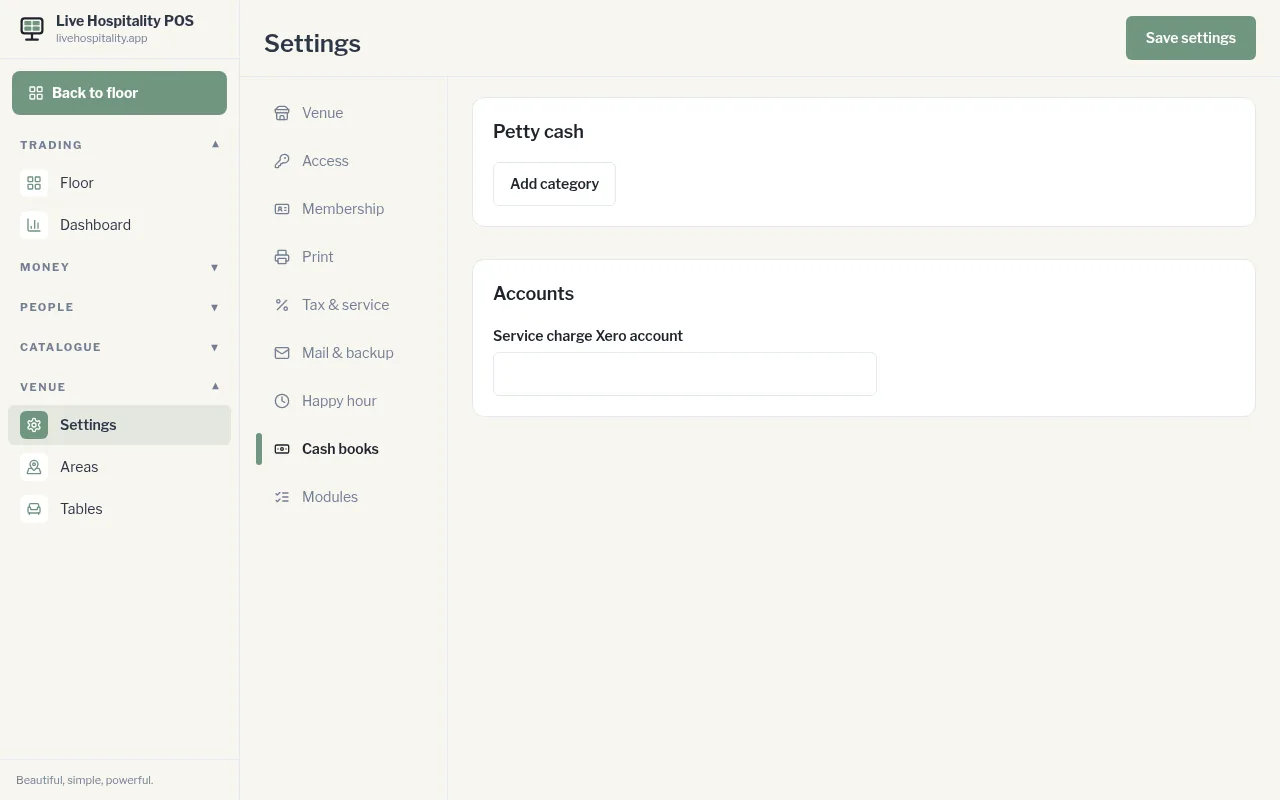
Petty cash categories
These are the categories staff choose when they log petty cash, for example "Cleaning", "Milk run" or "Cash tips paid out".
- Tap Add category and enter a name.
- Optional: enter its Xero account code in the Xero box.
- Tap Save on that row. To remove a category, tap Delete.
Accounts
Service charge Xero account is the Xero account code your service charge is coded to.
Tap Save settings when you're done.