Run payroll
Step through a pay run, email pay slips and export to Xero or MYOB.
Owners
People › Payroll walks you through a pay run in seven steps.
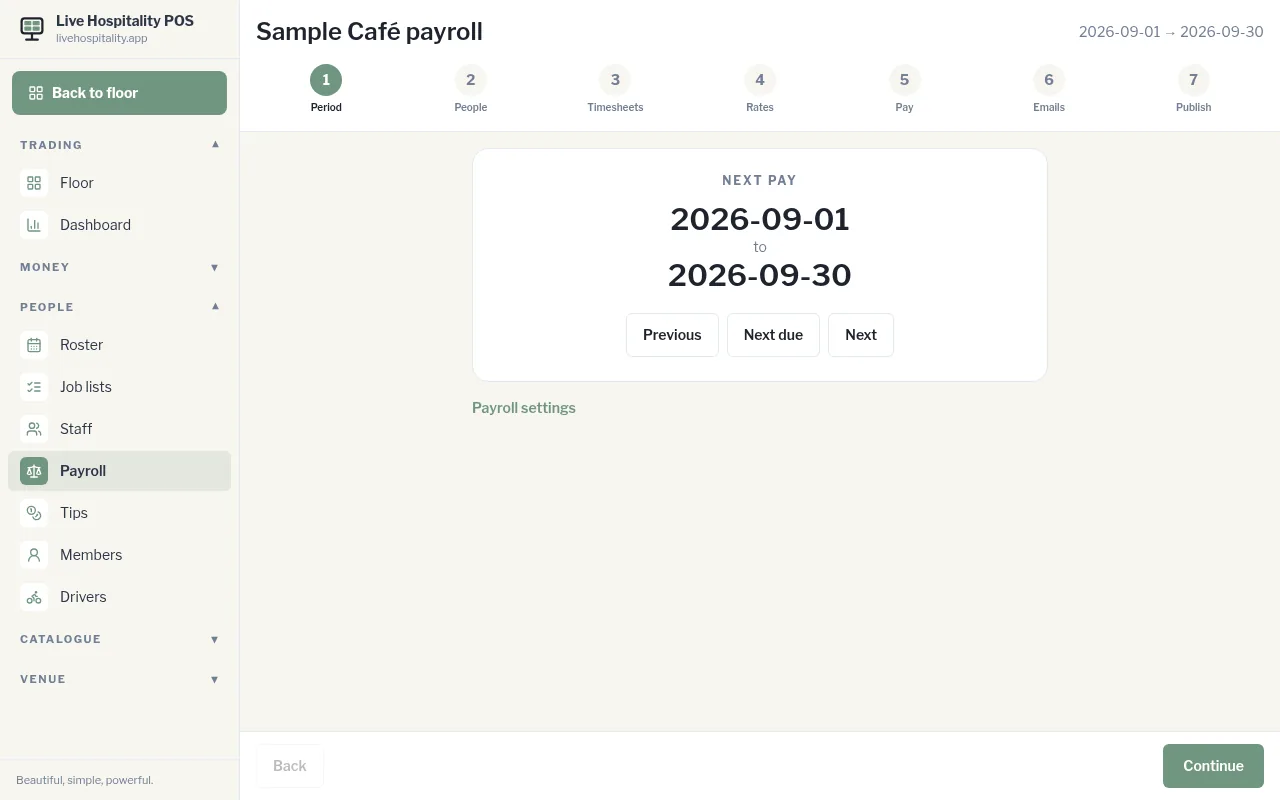
- Period: check the pay period. Use Previous, Next due and Next to move between periods.
- People: check who's being paid. Only people with pay switched on in their staff details are included.
- Timesheets: check and fix the hours, or tap Add shift.
- Rates: check the award rates for each day type (Saturday, Sunday, public holiday, overtime). Tap Approve these rates.
- Pay: review each Pay slip draft, including Earnings, Deductions, Employer contributions, leave and Take home pay.
- Emails: open each pay slip email and tap Approve email. You must approve every pay slip email first.
- Publish: choose Xero or MYOB, then tap Publish and download.
Publishing locks the pay run, emails each person their pay slip (with a copy to your notices inbox), marks the timesheets paid and downloads a file to import into Xero or MYOB.