Products v2 (menu view)
Browse and edit products laid out just like the order screen.
Owners and managers
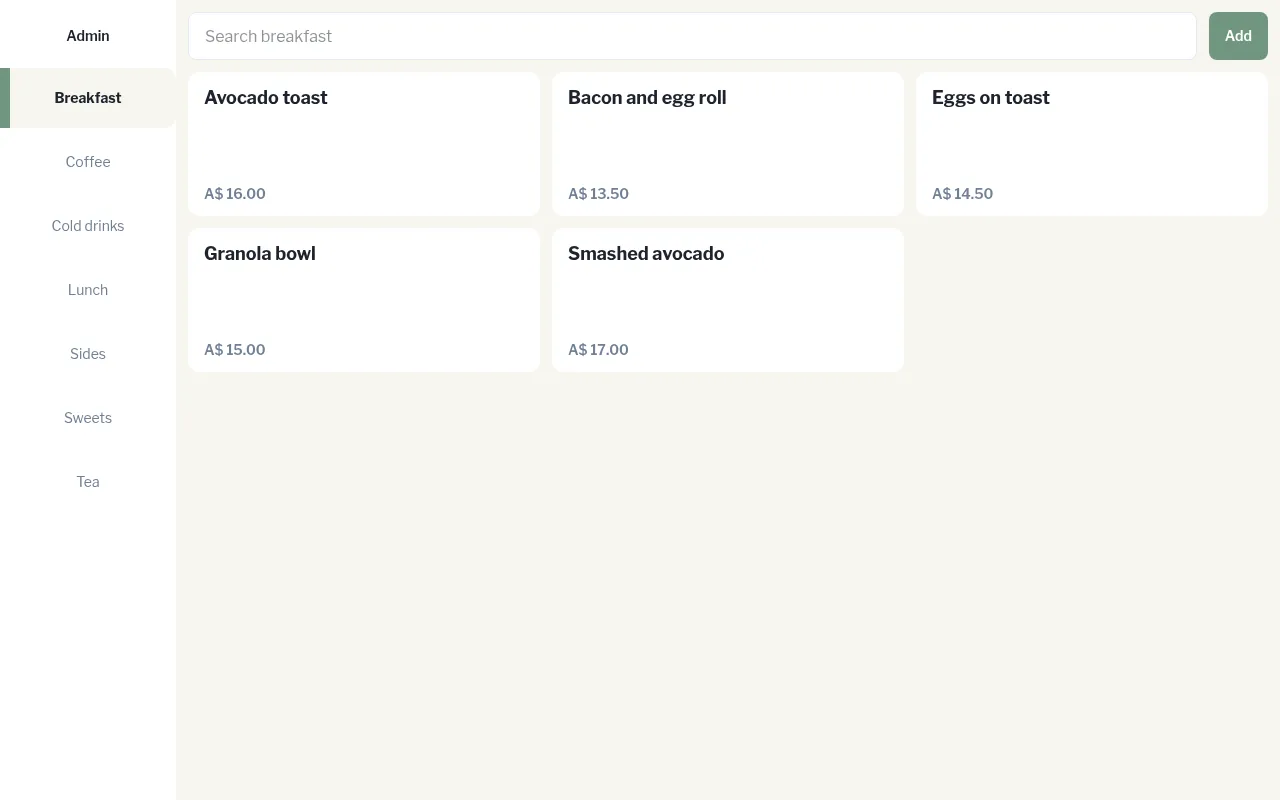
Products v2 shows your products the way staff see them on the order screen, with categories down the side and product tiles on the right.
- In Admin, go to Catalogue › Products v2.
- Tap a category on the left.
- Tap a product to edit it, or tap Add to create a new one in this category.
- Use the search bar to find a product in the category.
The product editor is the same as in Add and edit products. Tap Admin at the top left to go back.