Reports
Download spreadsheets of your orders, money, people and stock.
Owners and managers
- In Admin, go to Money › Reports.
- Pick a range: Today, 7 days, 30 days, or From and To dates.
- Tap a report. It downloads as a CSV file you can open in Excel, Numbers or Google Sheets.
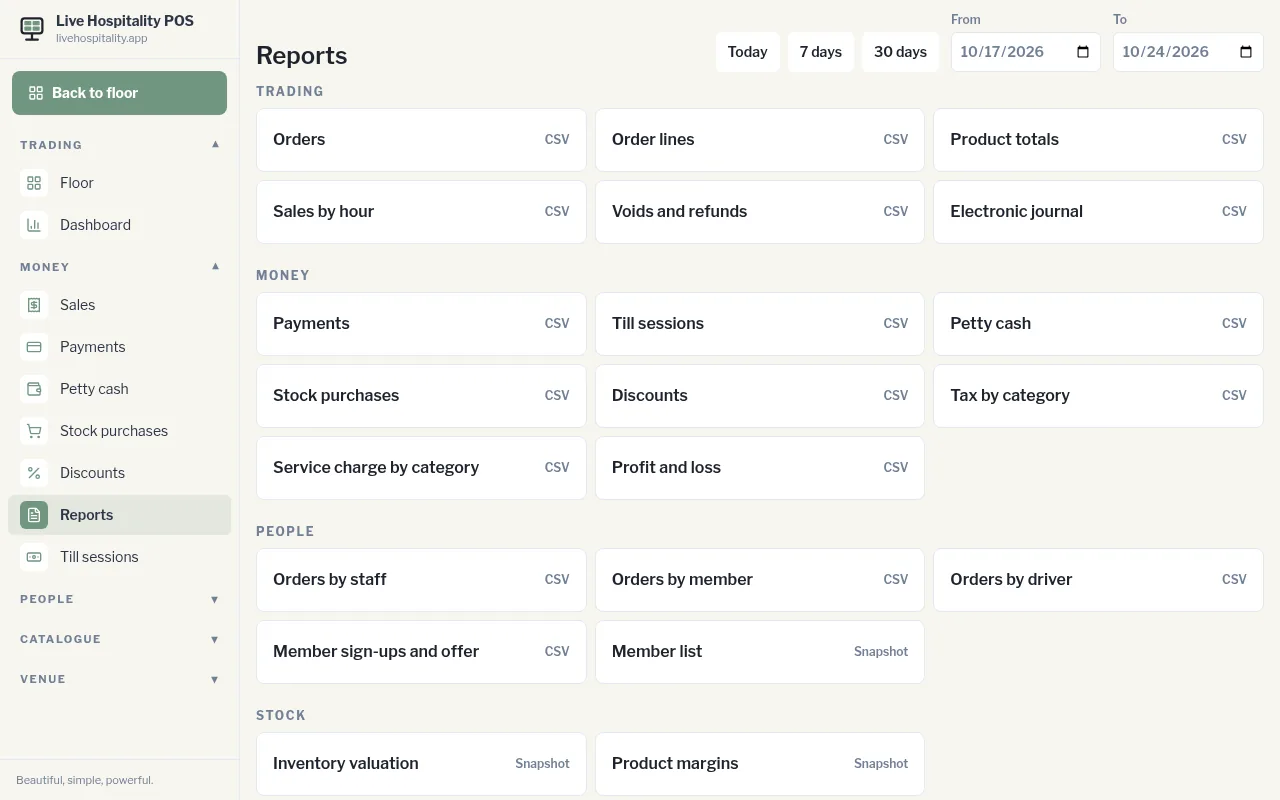
Reports marked CSV use the date range. Reports marked Snapshot show things as they are right now.
Trading
- Orders, Order lines, Product totals
- Sales by hour
- Voids and refunds
- Electronic journal: a line-by-line record of everything rung up
Money
- Payments, Till sessions, Petty cash, Stock purchases, Discounts
- Tax by category, Service charge by category
- Profit and loss
People
- Orders by staff, Orders by member, Orders by driver
- Member sign-ups and offer
- Member list (snapshot)
Stock
- Inventory valuation and Product margins (snapshots)