The Dashboard
Today's trading at a glance: sales, orders, profit, busy hours and top products.
Owners and managers
In Admin, go to Trading › Dashboard.
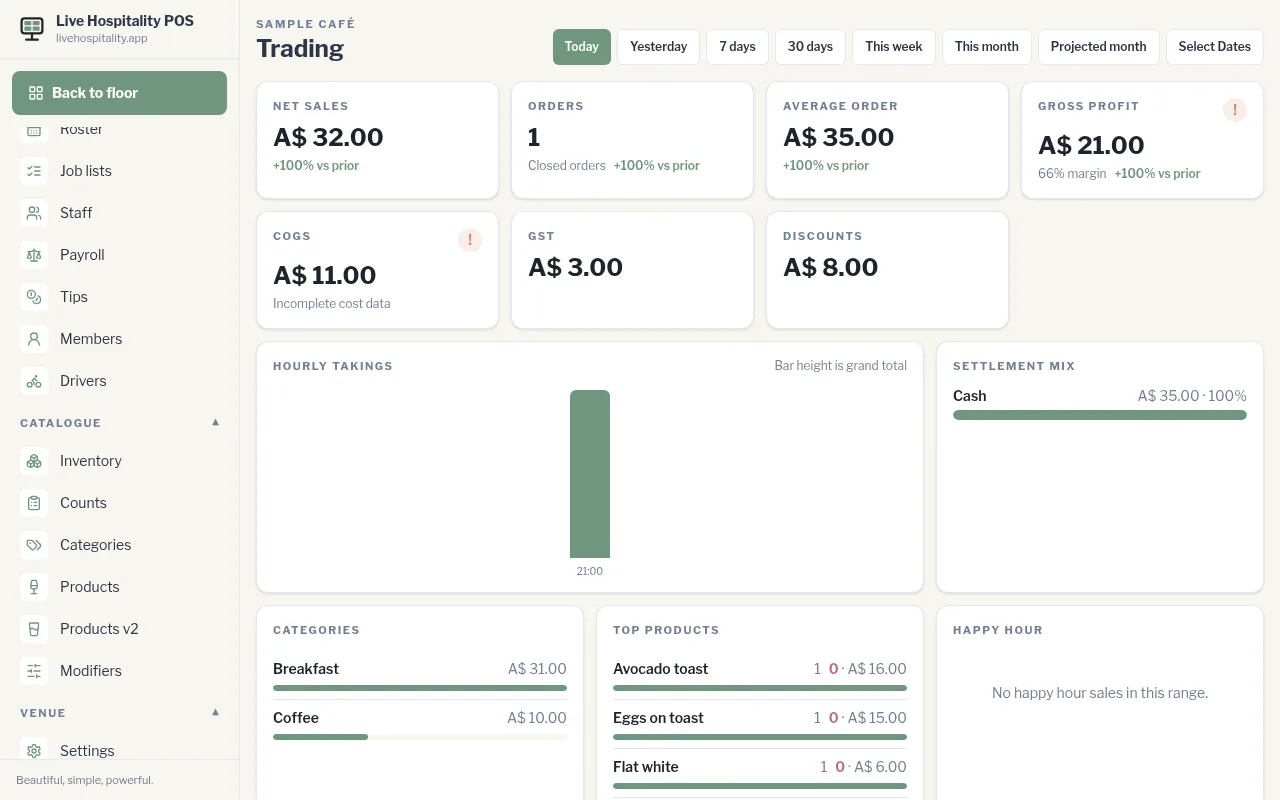
Choose a range
Tap Today, Yesterday, 7 days, 30 days, This week, This month or Projected month. For anything else, tap Select Dates and choose a start and end date.
Each figure shows how it compares with the period before (vs prior).
What you'll see
- Net sales, Orders, Average order
- Gross profit, COGS (cost of goods sold), tax and Discounts
- Hourly takings: your busy hours. Bar height is the grand total.
- Settlement mix: how guests paid
- Categories and Top products
- Happy hour: sales made during happy hour
"Cost data incomplete"
A ! next to Gross profit or COGS means some costs are missing, so profit is overstated. Tap it to see Inventory with no cost and Products with no recipe, then fix them in Inventory items and Products.