Add notes to an order
Keep notes for the kitchen and bar with the order.
Bar and floor staff
- On the order screen, tap the Order notes icon (the pencil-and-note icon next to the table name).
- Type your note in Order Notes (Kitchen & Bar).
- Tap Save.
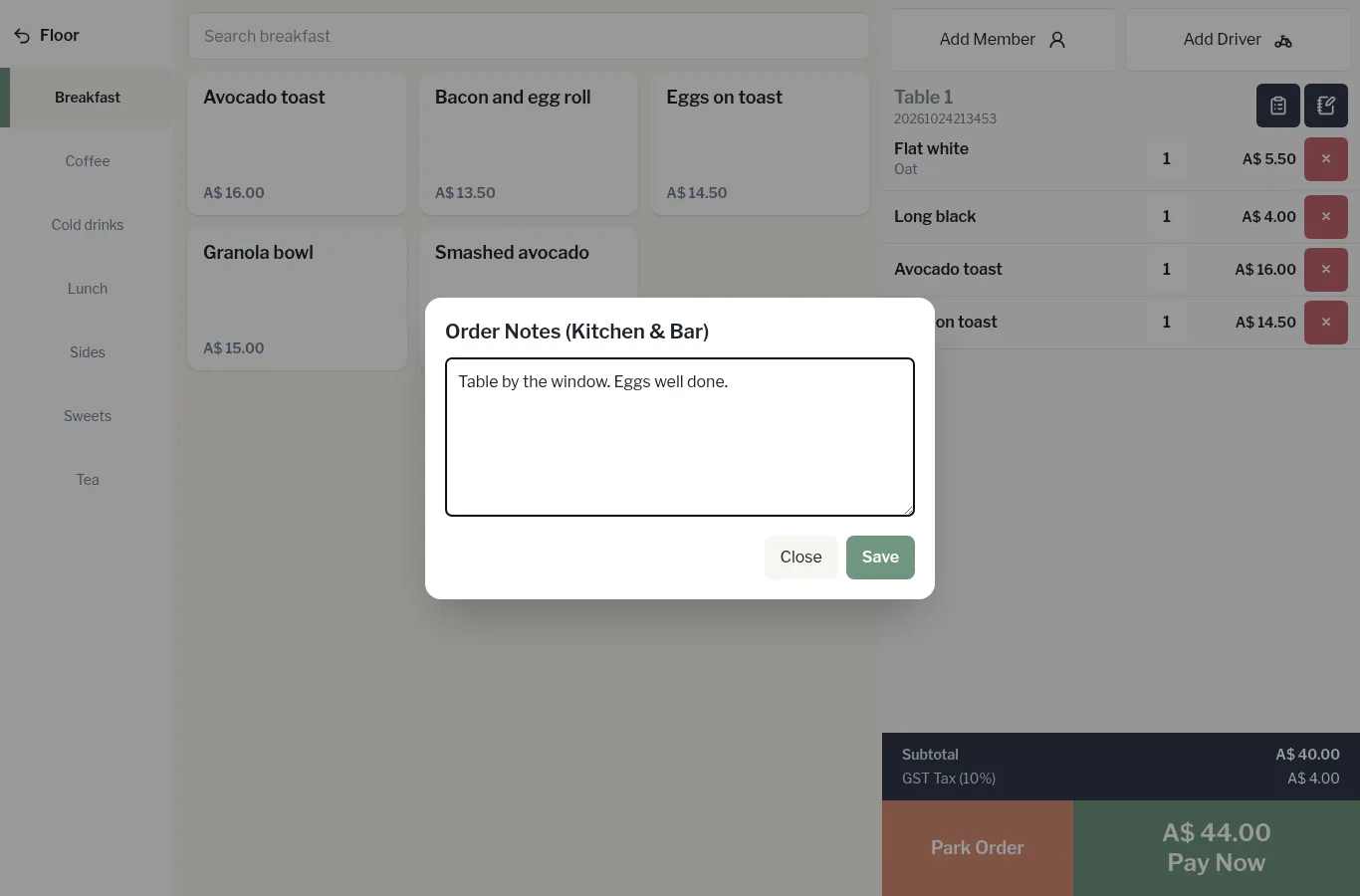
The note stays with the order, so whoever opens the table next can see it.