Park an order (run a tab)
Save the order to the table and come back to it later.
Bar and floor staff
Parking saves the order on its table so you or anyone else can add to it or take payment later.
- Add the items.
- Tap Park Order.
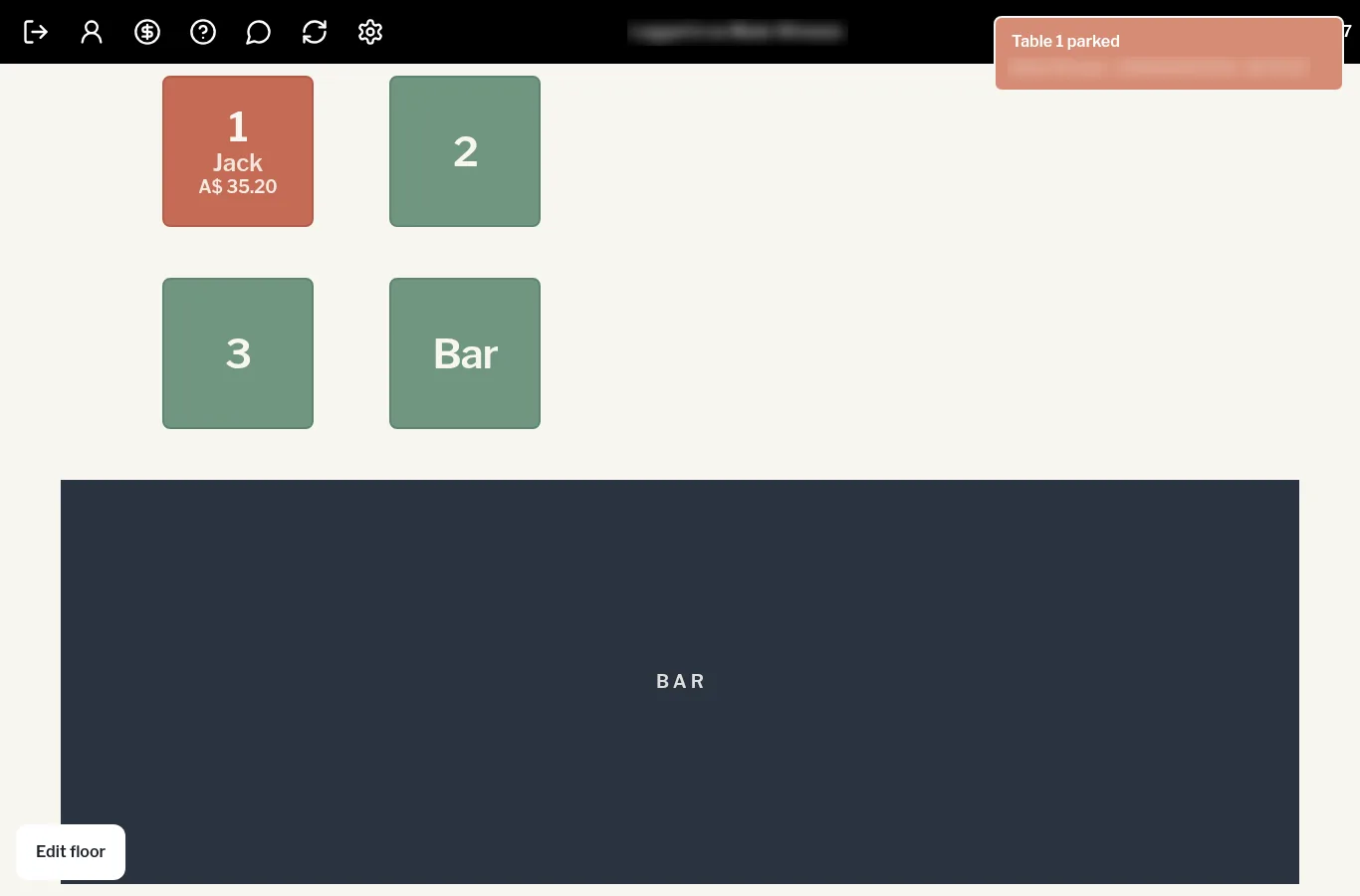
The till confirms it (for example Table 1 parked) and returns to the PIN screen. On the floor, the table changes colour and shows the order total.
Come back to it
Sign in, tap the table, and carry on adding items or tap Pay Now.