Take a cash payment
Enter the cash handed over, see the change, and finish the sale.
Bar and floor staff
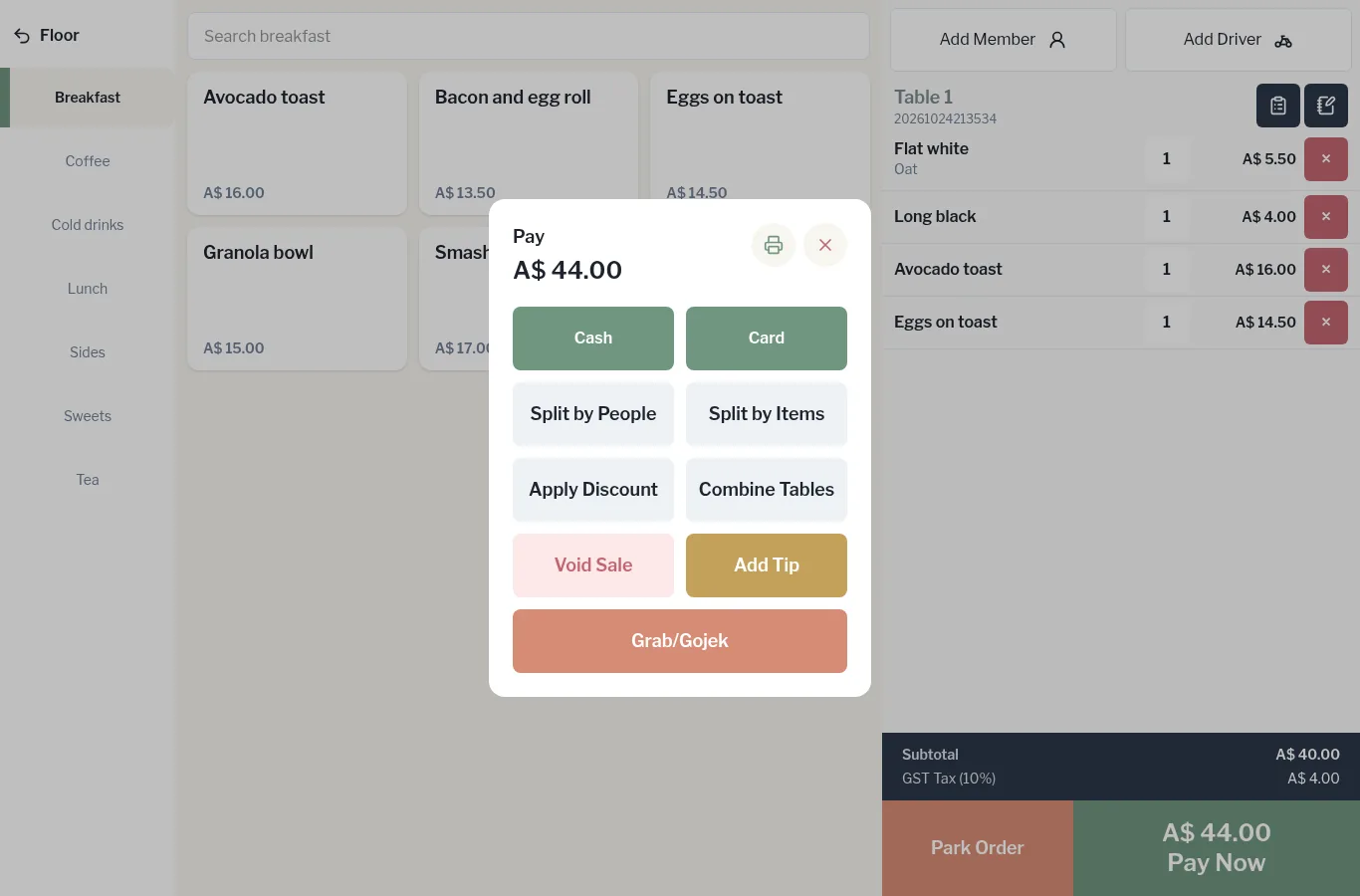
- On the order, tap Pay Now. The Pay window shows the amount due.
- Tap Cash.
- Enter the cash handed over: - tap Exact if they've given the exact amount, or - tap one of the quick note buttons (for example A$ 50.00), or - key the amount in on the keypad.
- Check Change, then tap Confirm.
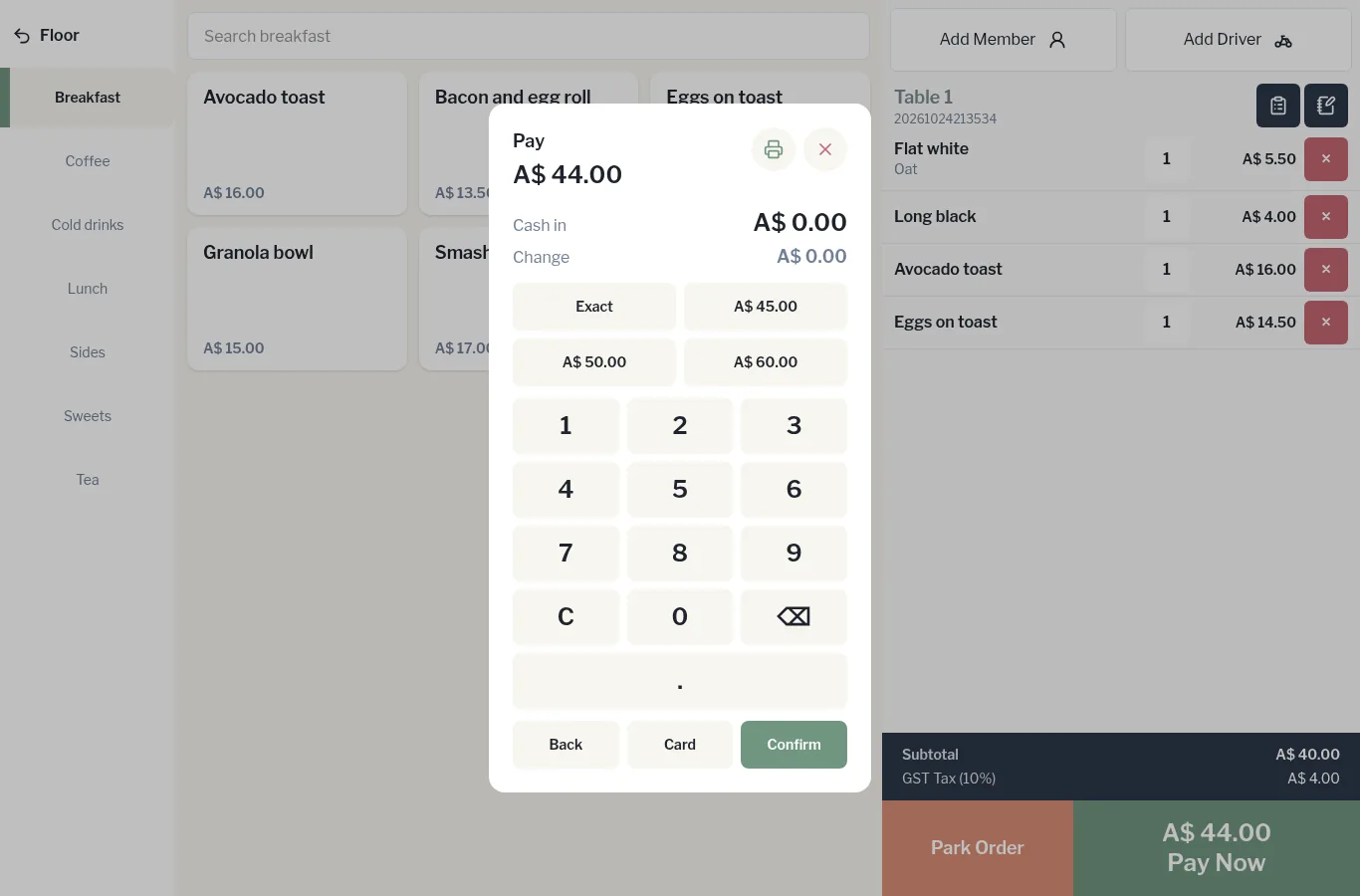
The cash drawer opens, the receipt prints, and the till goes back to the PIN screen.
The pay window
From Pay you can also split the bill, apply a discount, add a tip, combine tables, settle a delivery-app order or void the sale. The printer icon at the top prints a bill check, and the × closes the window.