Take a card payment
Record a payment taken on your card terminal.
Bar and floor staff
Card payments are taken on your venue's card terminal, then recorded on the till.
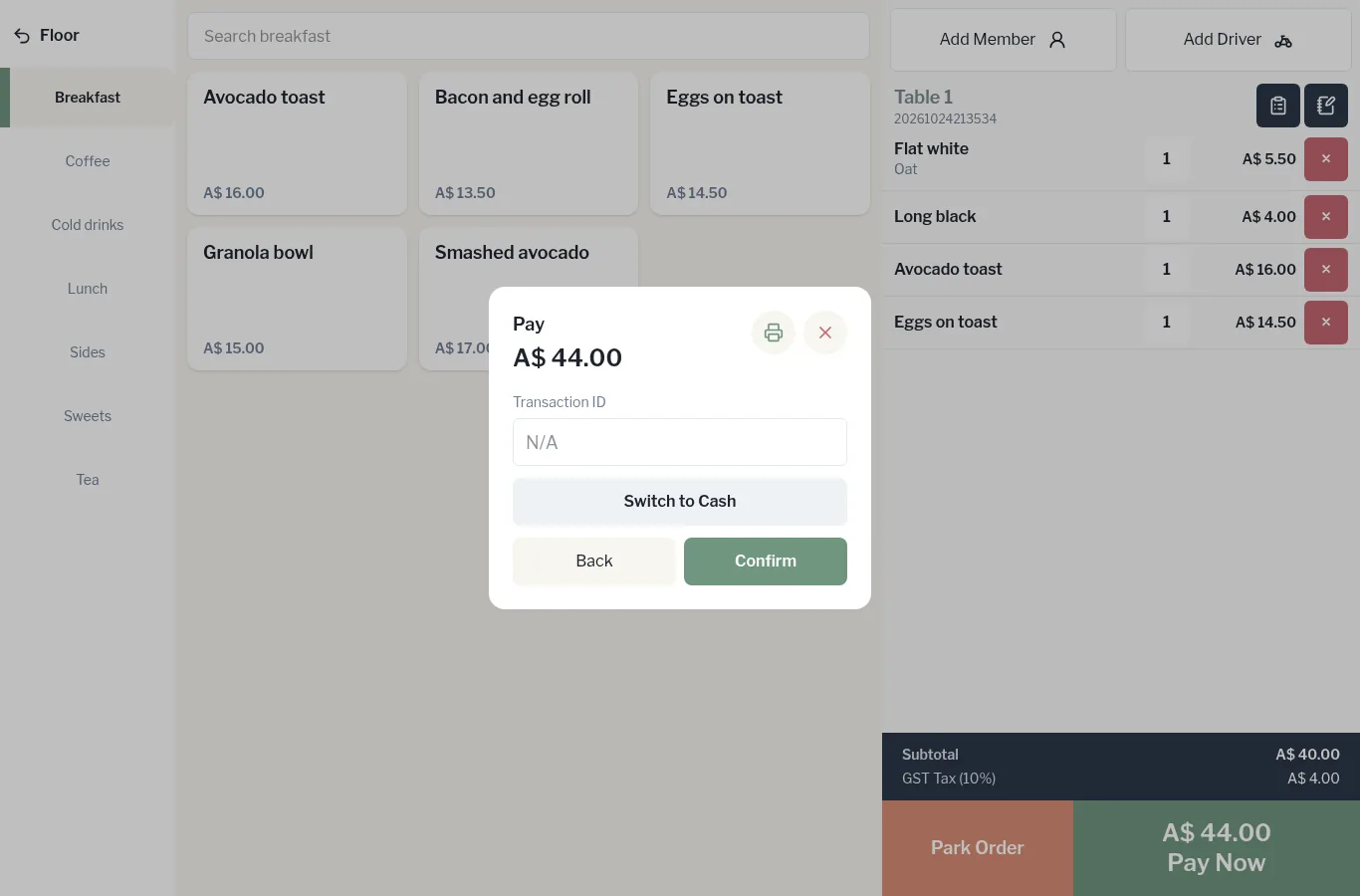
- On the order, tap Pay Now, then Card.
- Put the payment through on your card terminal as usual.
- Once the terminal shows it's approved, enter the Transaction ID from the terminal if you have one. You can leave it as N/A.
- Tap Confirm.
The receipt prints and the till returns to the PIN screen. The cash drawer doesn't open for card payments.
Wrong button? Tap Switch to Cash or Back.