Add a driver to an order
Record which driver brought the guests in, by barcode or search.
Bar and floor staff
If drivers bring guests to your venue, you can tag the order with the driver.
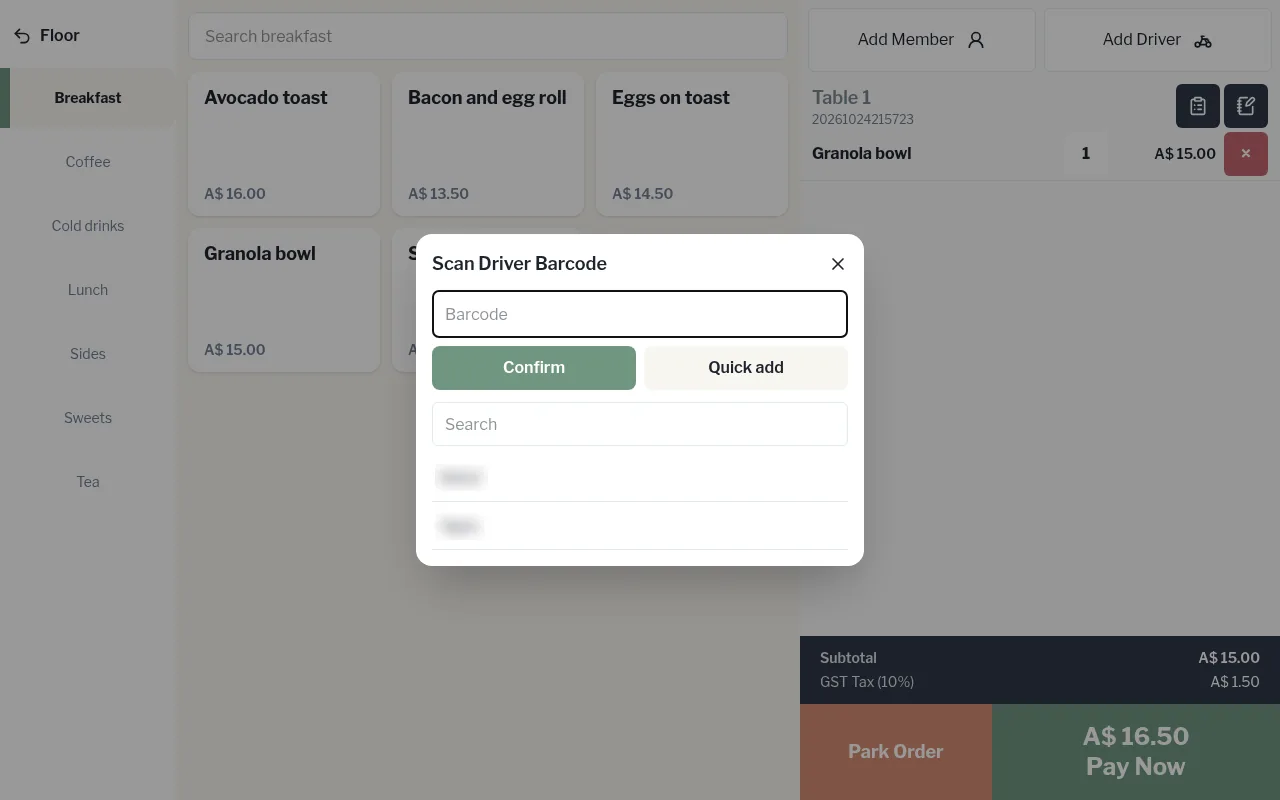
- On the order, tap Add Driver.
- Scan or type the driver's barcode in Scan Driver Barcode and tap Confirm, or use Search to find them by name.
- New driver? Use Quick add: enter their Name, WhatsApp and Barcode, then Save.
To take the driver off, tap Remove.