Drivers and referrals
Keep a list of drivers who bring guests in and see what they bring.
Owners and managers
If drivers or guides bring guests to your venue, you can record them on each order and see what each one brings in.
- In Admin, go to People › Drivers.
- Tap Add Driver.
- Enter the Driver Name, WhatsApp Number and Barcode.
- Tap Save.
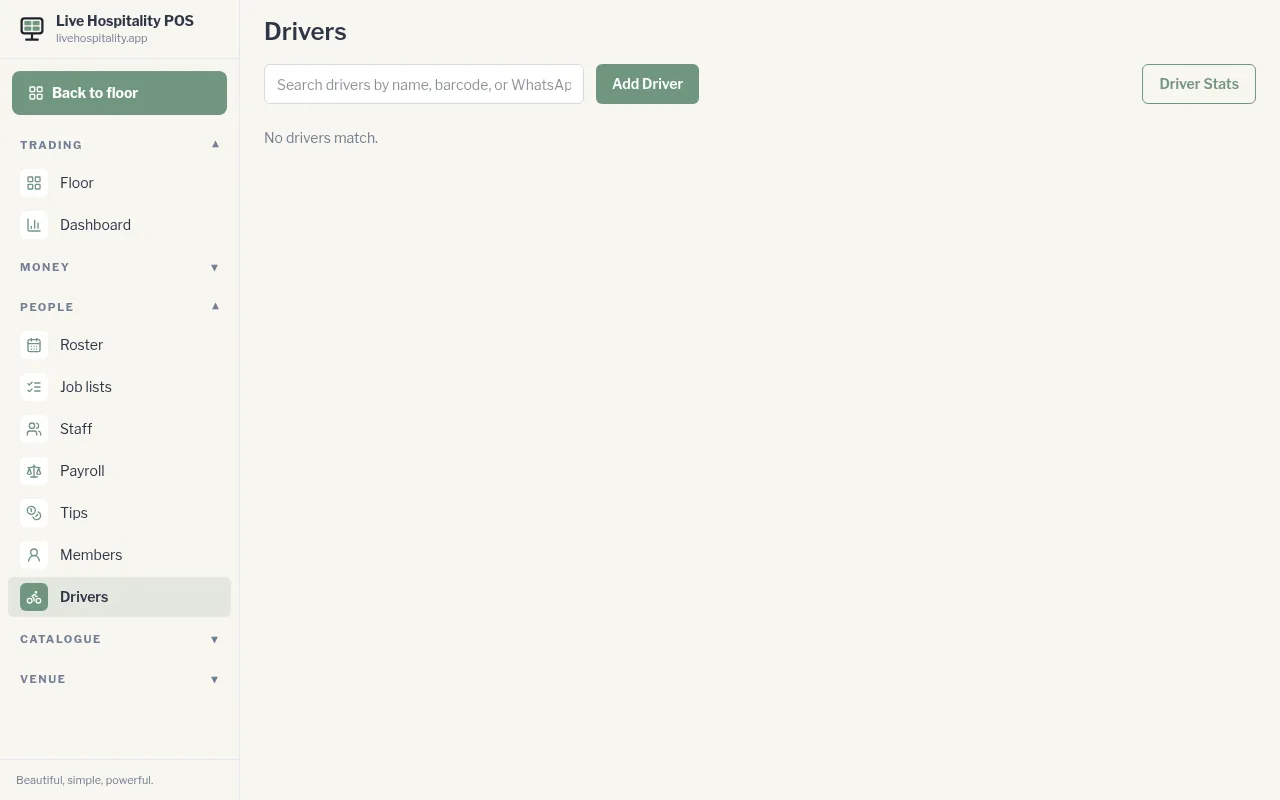
Tap a driver to see their Driver Details and every order they've referred. Driver Stats shows covers, spend (Volume), the Last 30 days and each driver's Last drop.
To record a driver on an order, see Add a driver to an order.