Refund an order
Refund a paid order from Sales history, with a reason.
Owners and managers
Refunds are done in Admin by an owner or manager.
- Tap the Settings cog on the floor to open Admin.
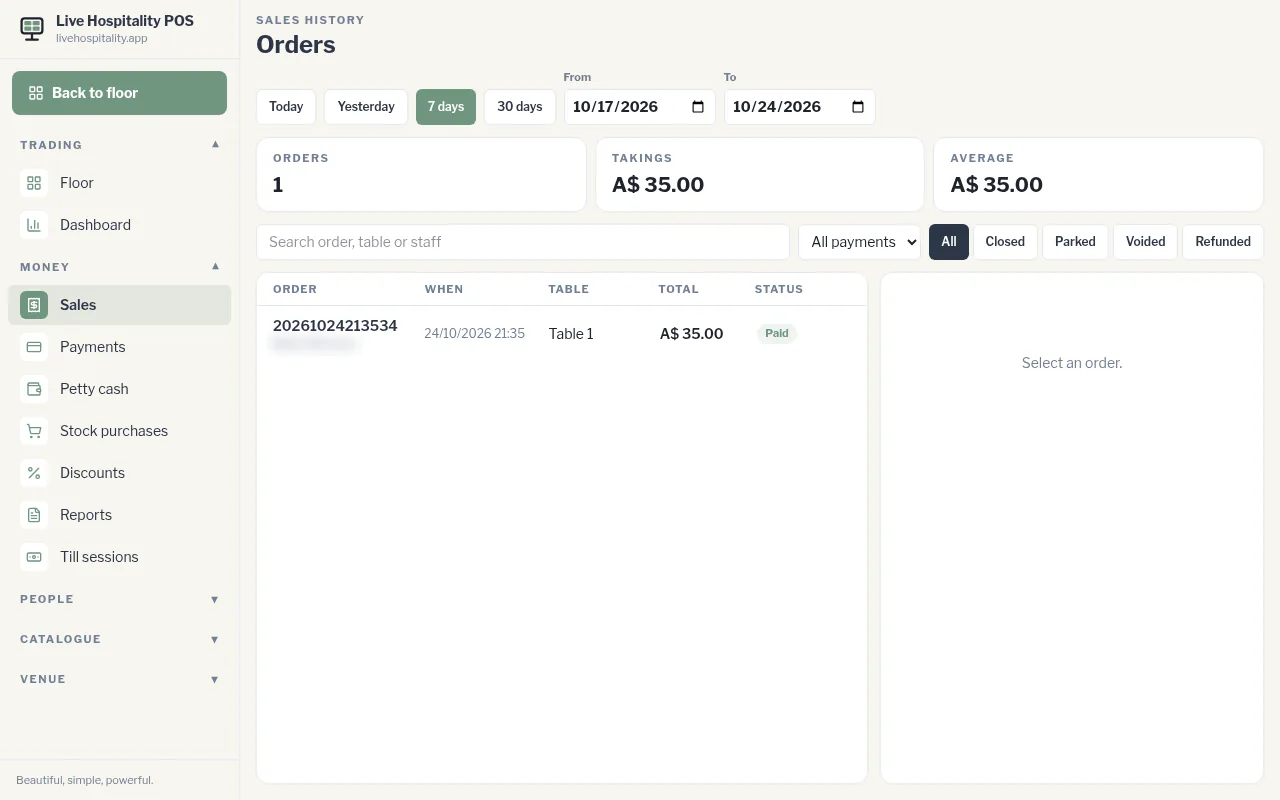
- Go to Money › Sales.
- Find the order (use the dates or Search order, table or staff) and open it.
- Tap Refund.
- In Refund this order, type why at Why is this being refunded?
- Tap Confirm refund.
The whole order is refunded through the original payment method. The till prints the customer's refund slip, and the cash drawer opens if the order was paid in cash. The order shows as Refunded with the date and your reason.
Need another copy? Tap Customer slip or Merchant slip under the order. The merchant slip has a line for a signature.